YAMAHA ARIUS YDP-142 piano repair
Taking apart a Yamaha YDP-142 piano to try to fix a "dead" key
9.3.2026
I wanted to play the piano, but after I powered it on and tried to play E, I couldn’t hear anything. I tried different notes and I could hear them, so all notes were working except E. No matter how hard I hit the E key, it didn’t play anything…
I tried “restarting” the piano, but it still didn’t work…
So I had to open it. I am sharing this because there was little to no information online. I am in no way qualified to do this, so if you want to do the same, do it at your own risk.
First, take out the screws that are securing the top cover.
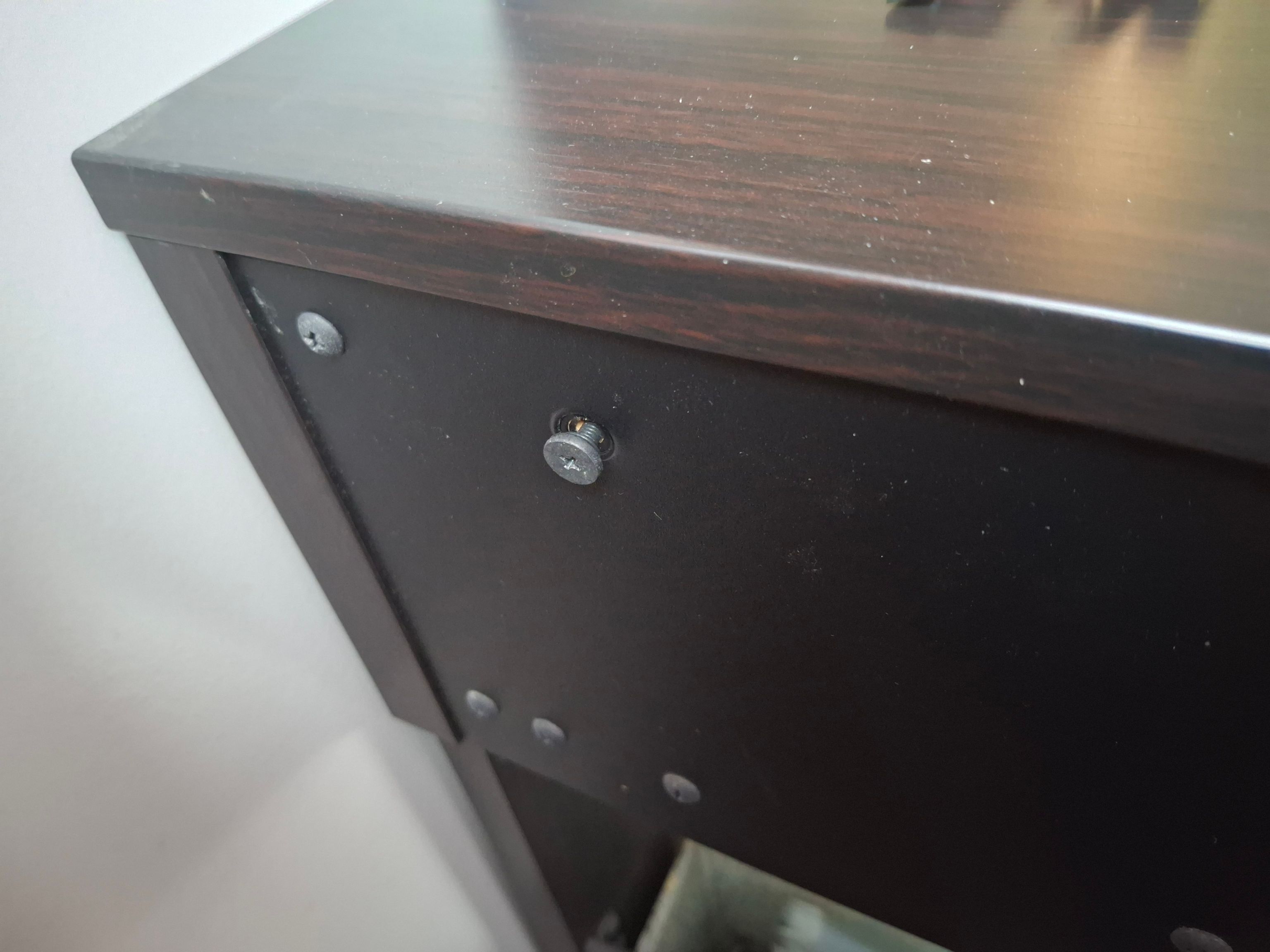
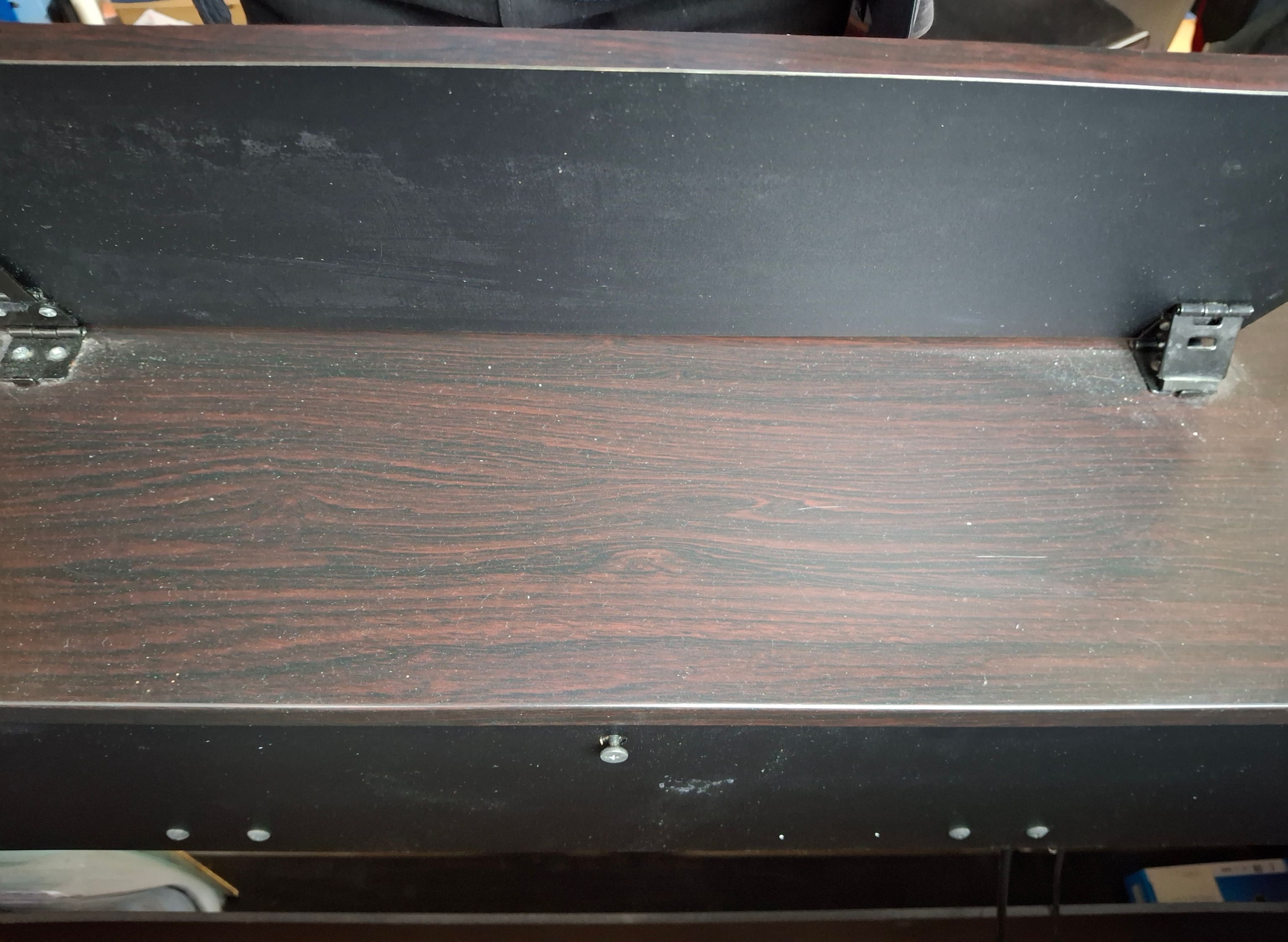
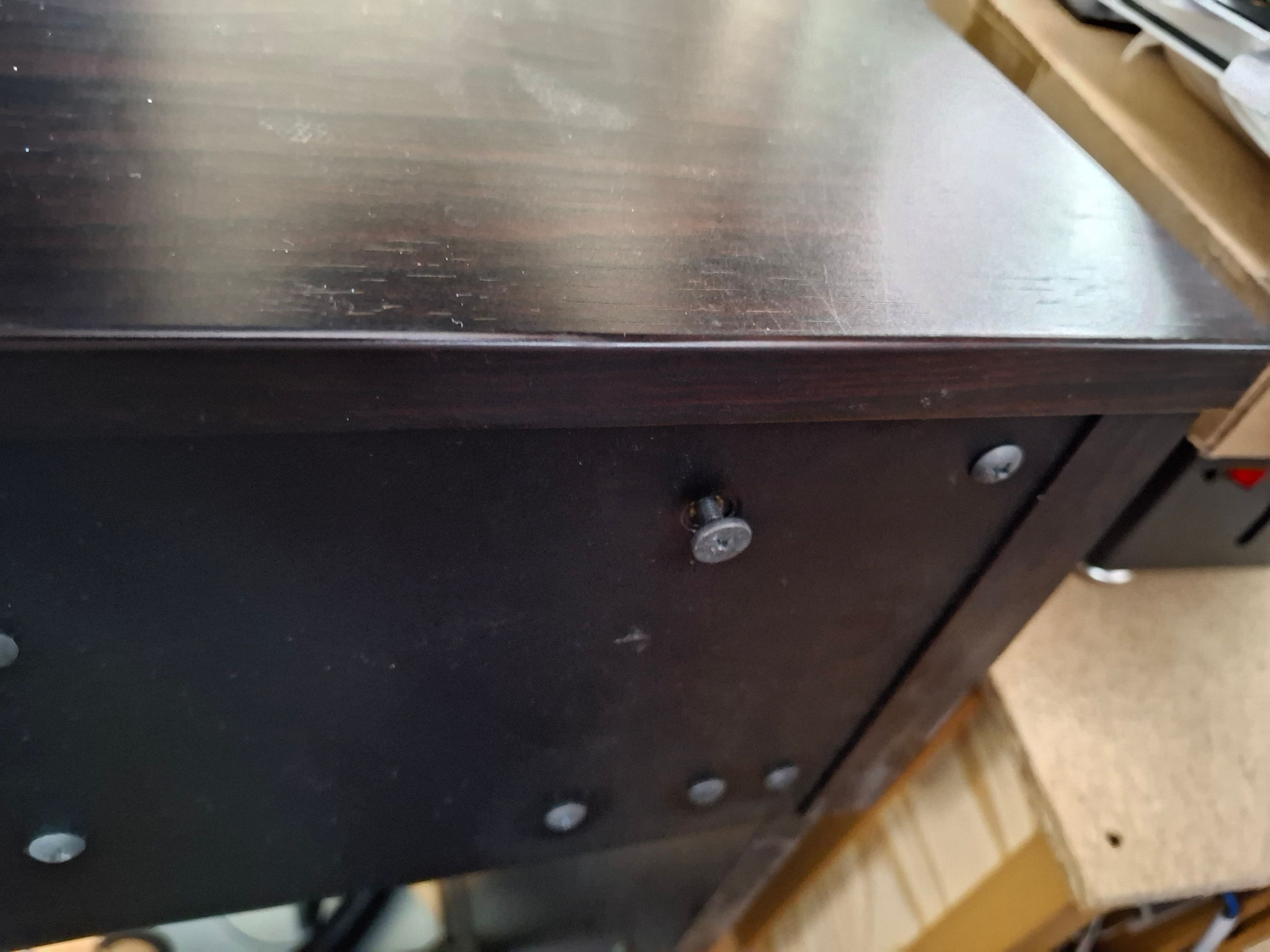
After that, gently tap the top cover from the left and right corners.
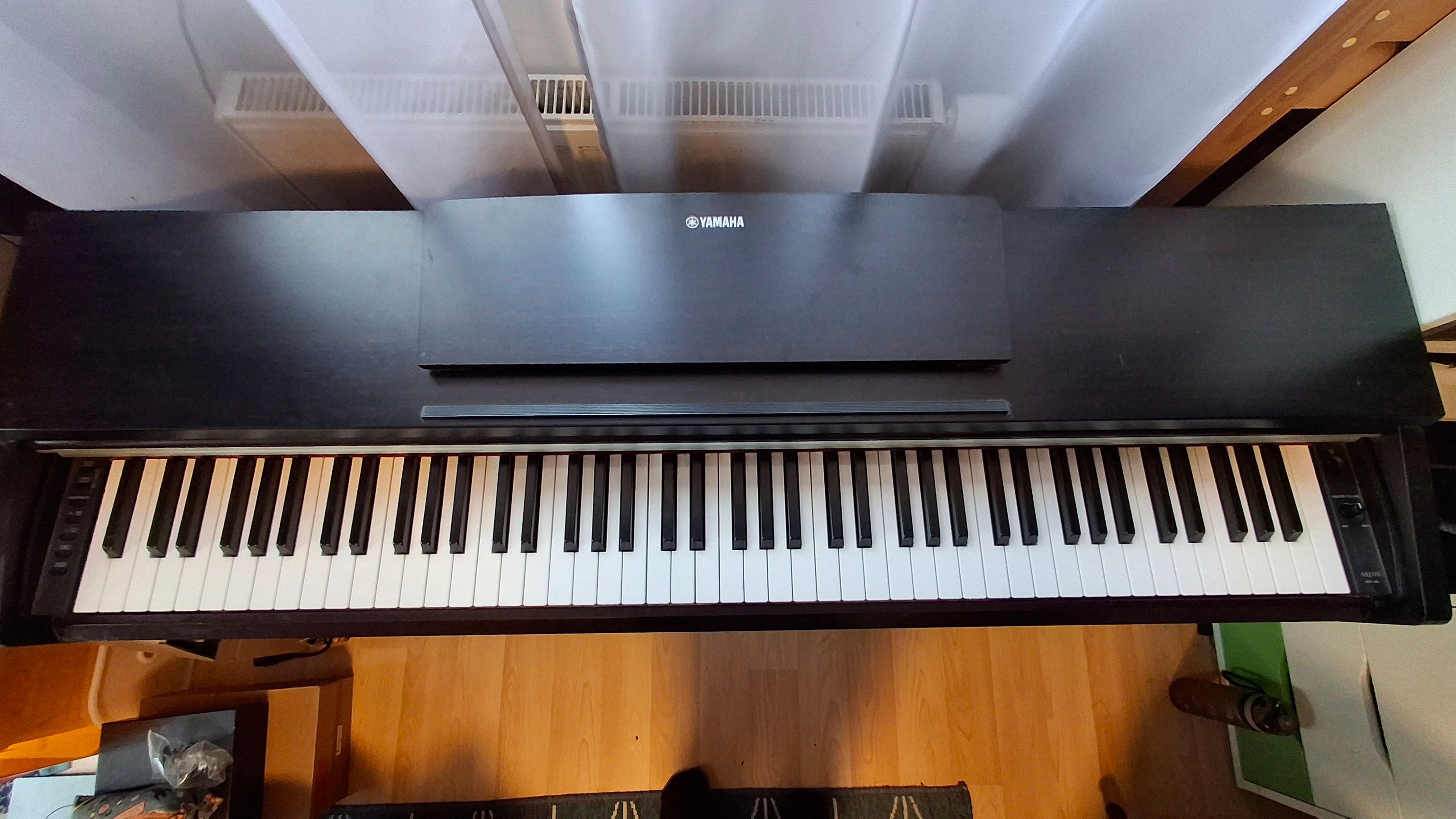
The top cover should move and be free to take out. Push it toward yourself, then lift it and place it in a safe location.
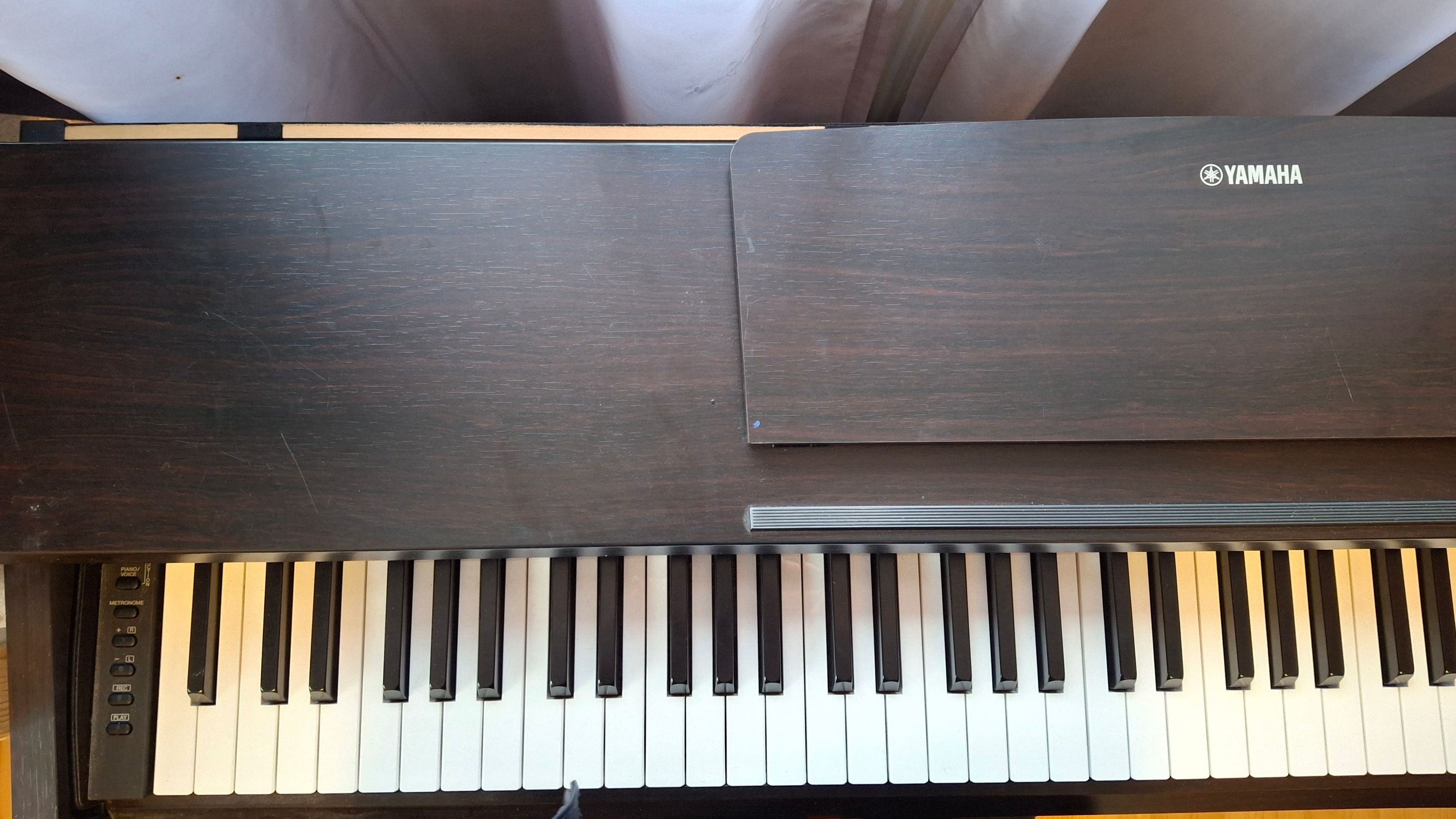
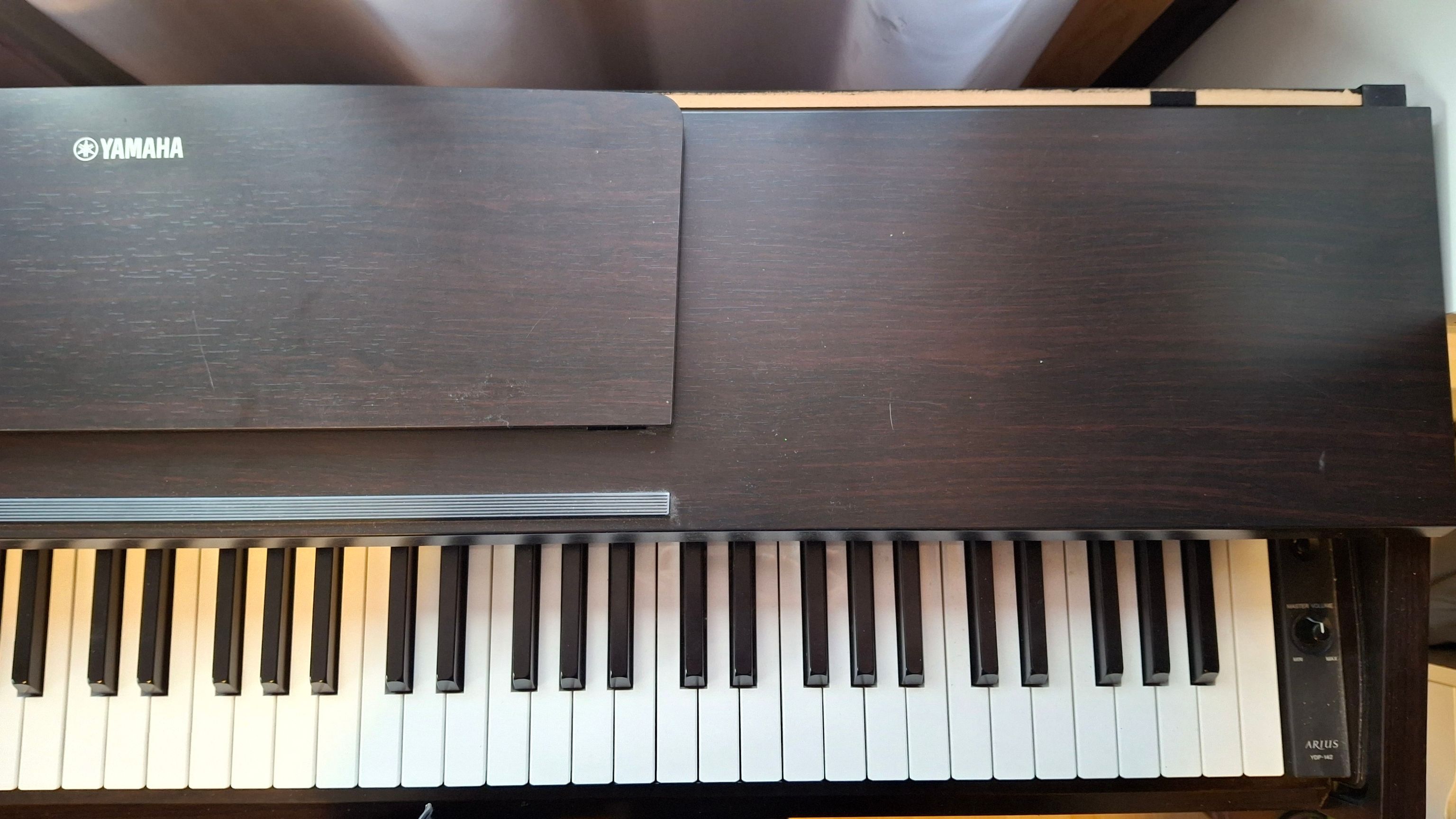
This is how the piano looks without the cover. Nice, isn’t it?
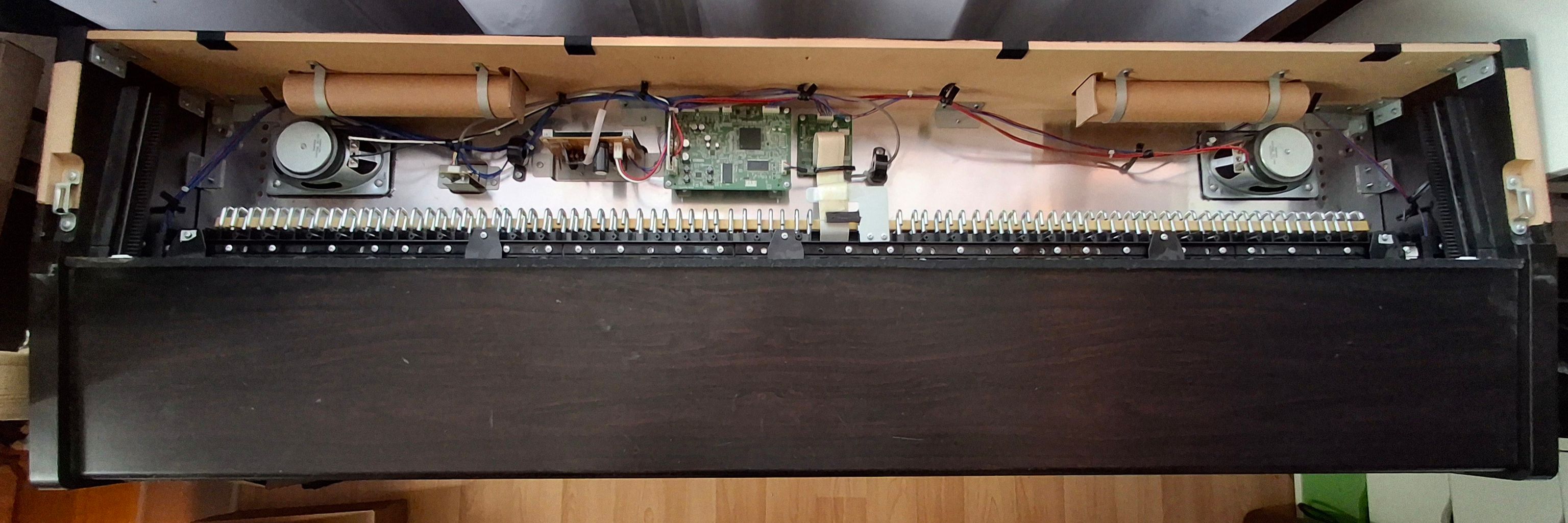
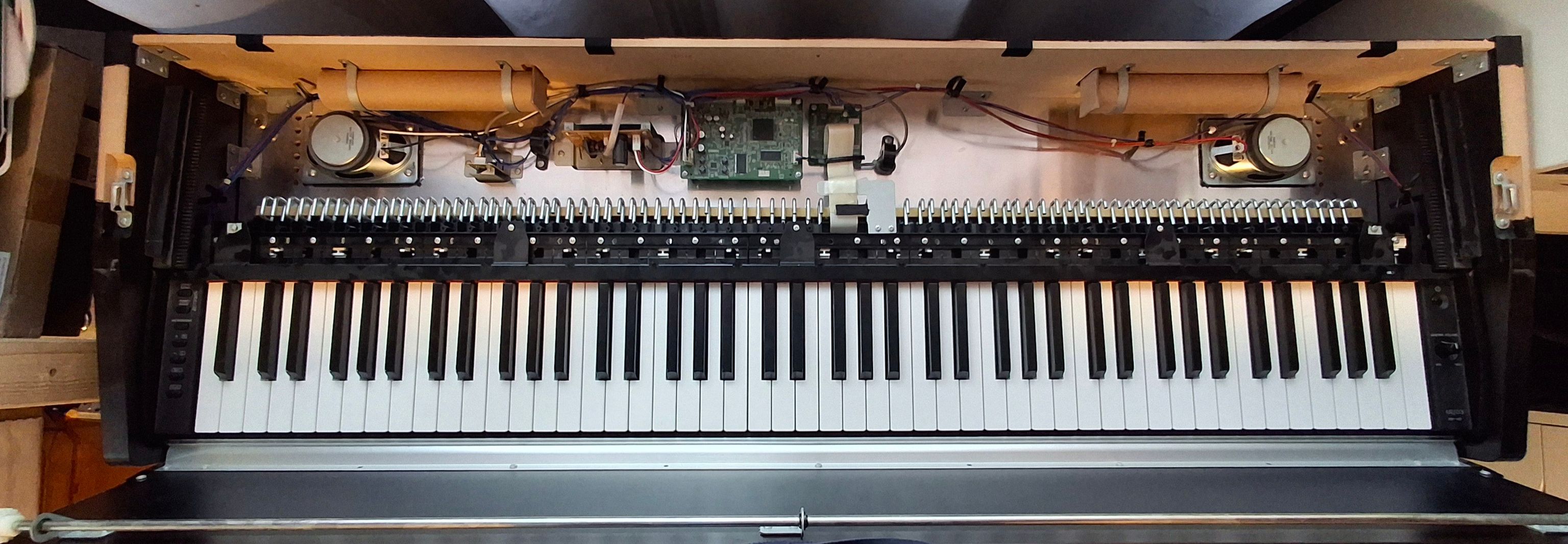
Next step is to unscrew the screws in the bar on the keyboard.
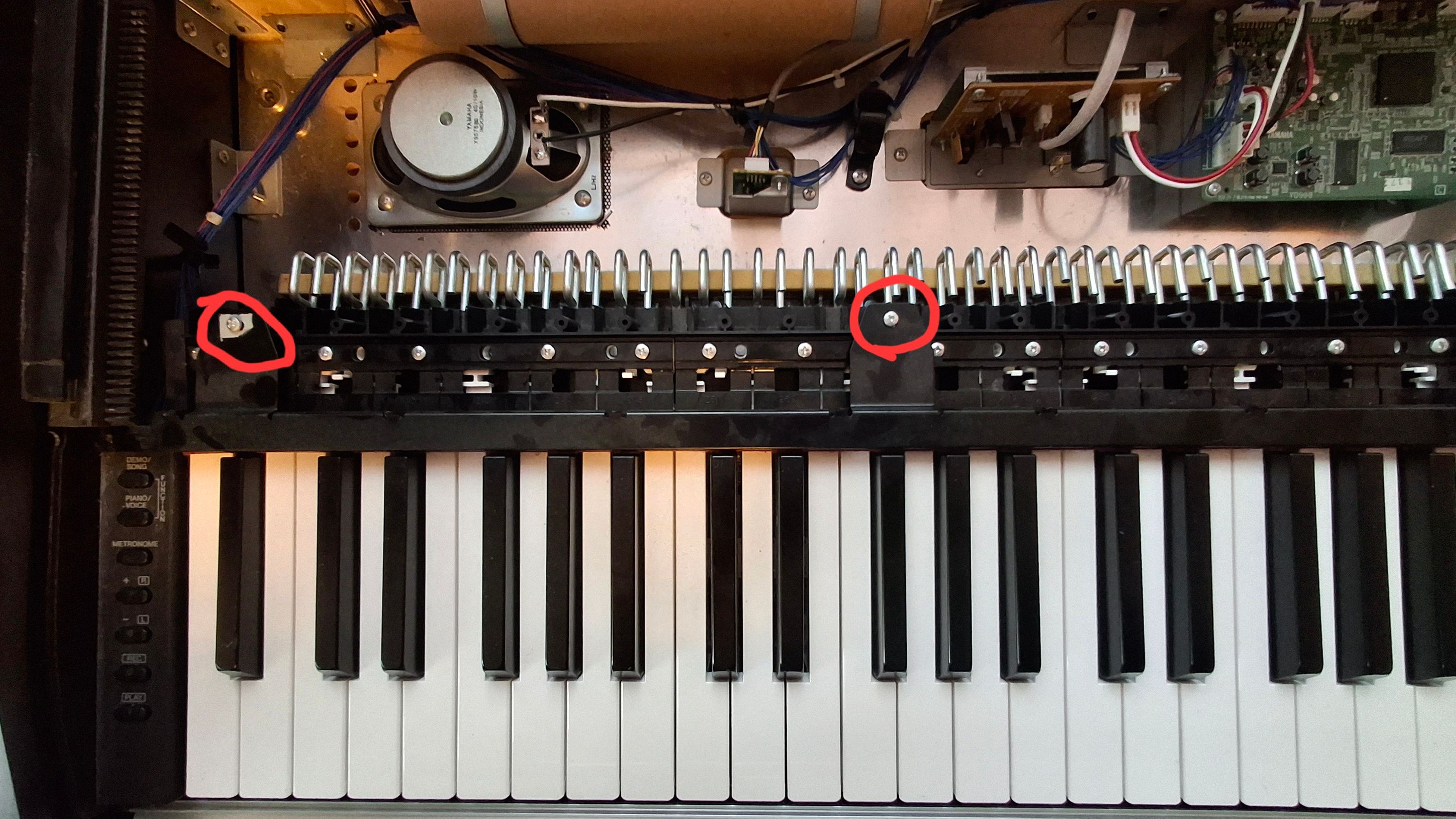
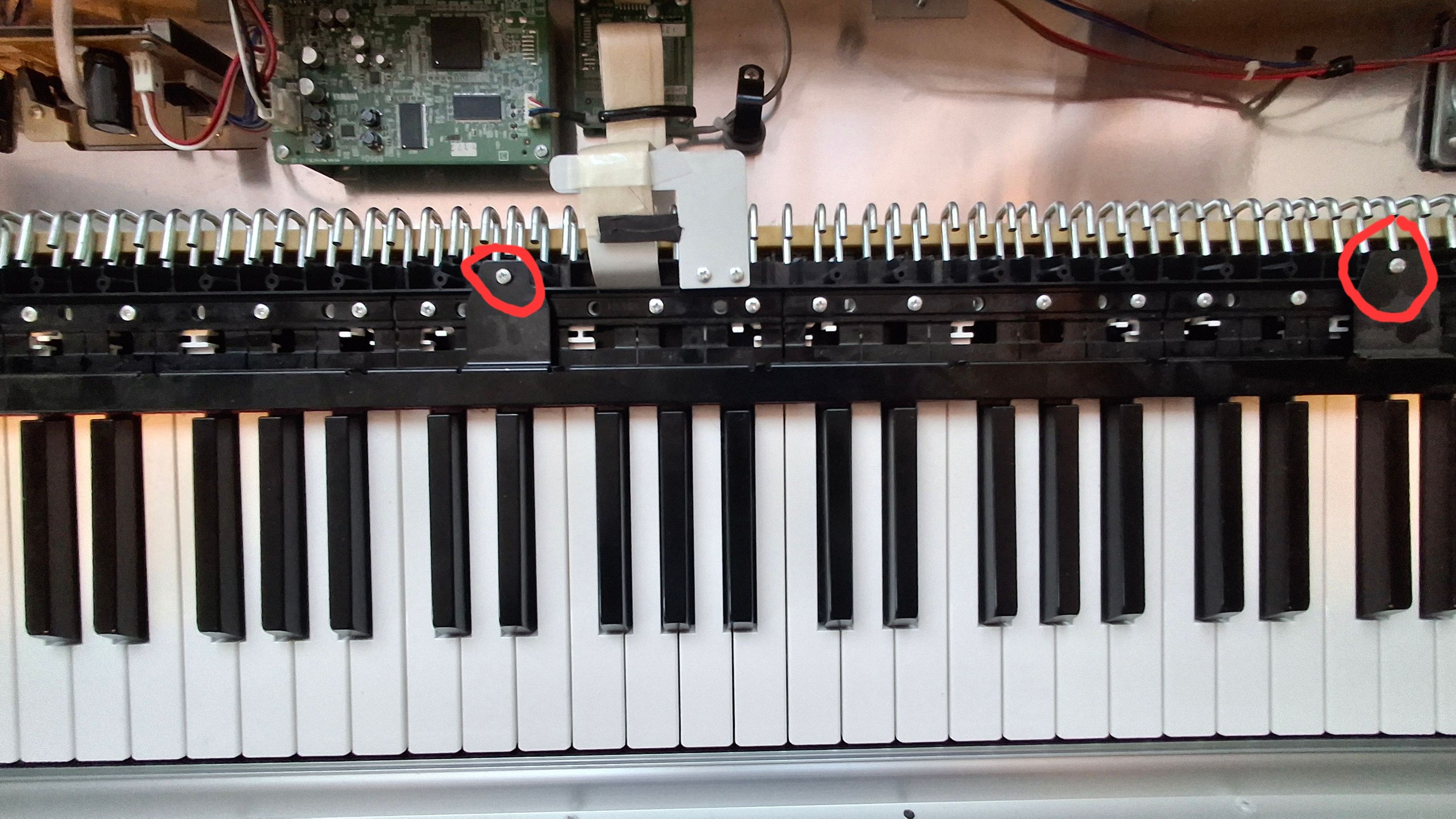
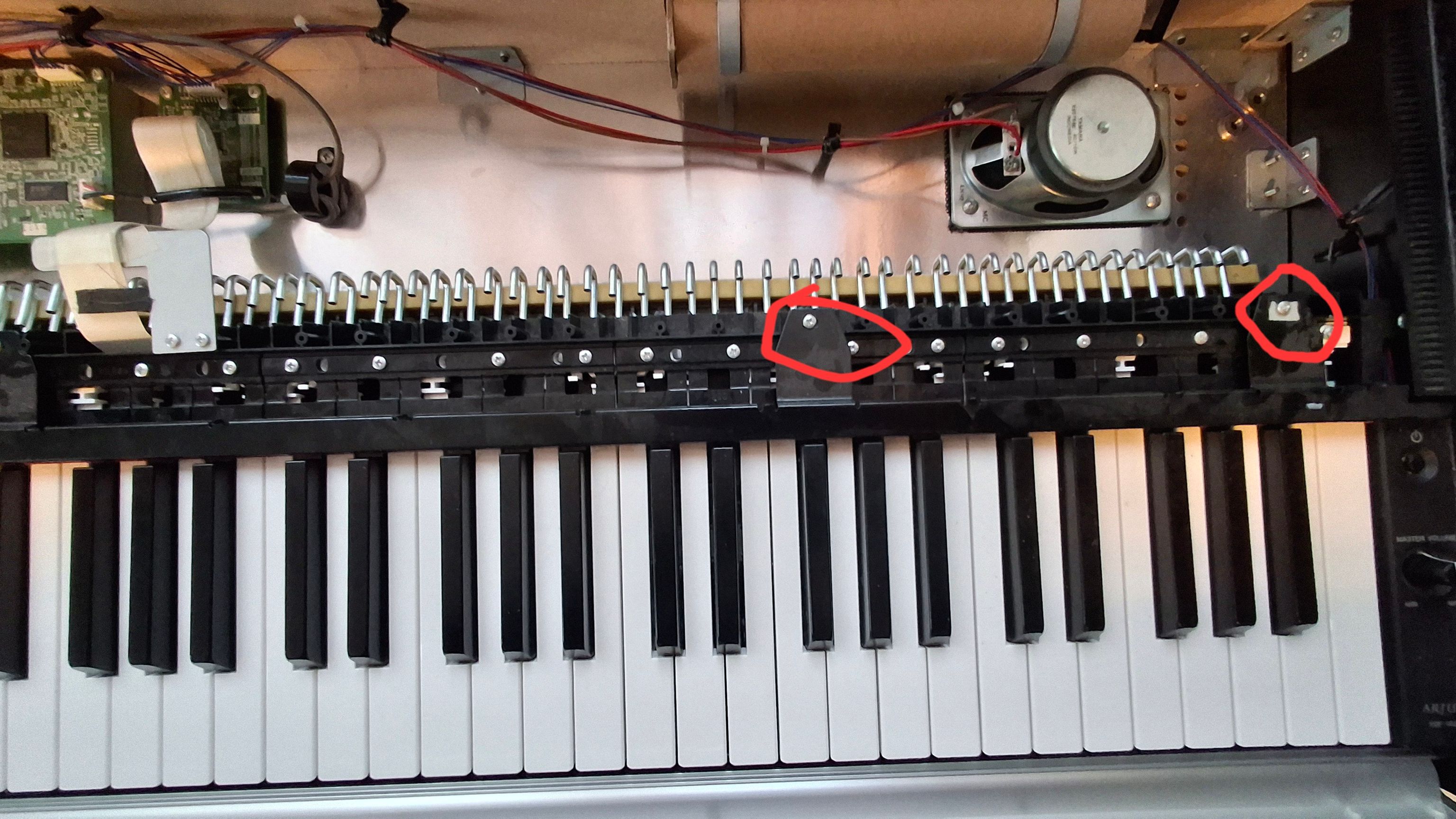
Next, remove all the screws around the hammers. Use a big screwdriver and then remove the screws with tweezers. Try not to let them fall under the keyboard.
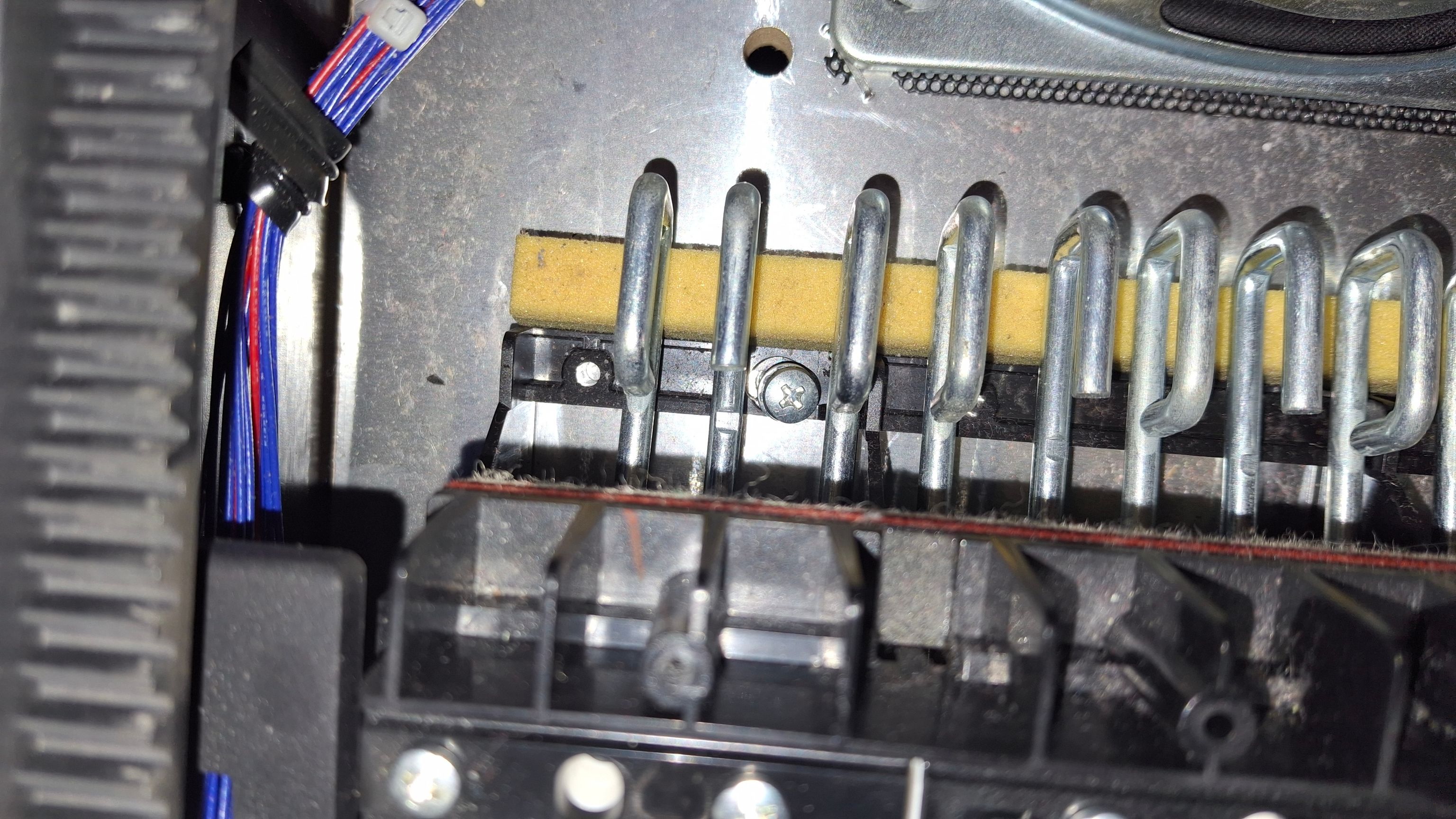
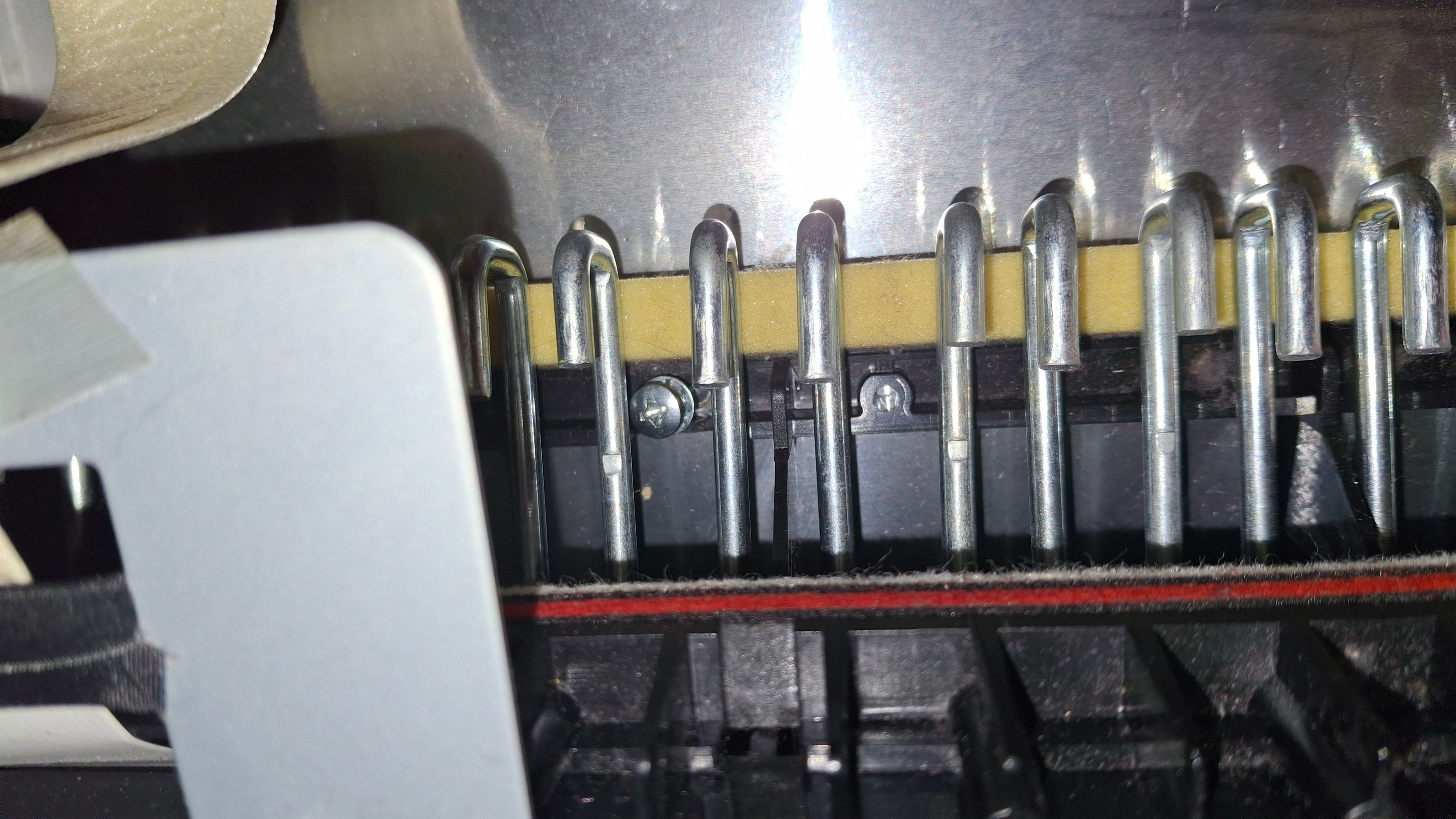
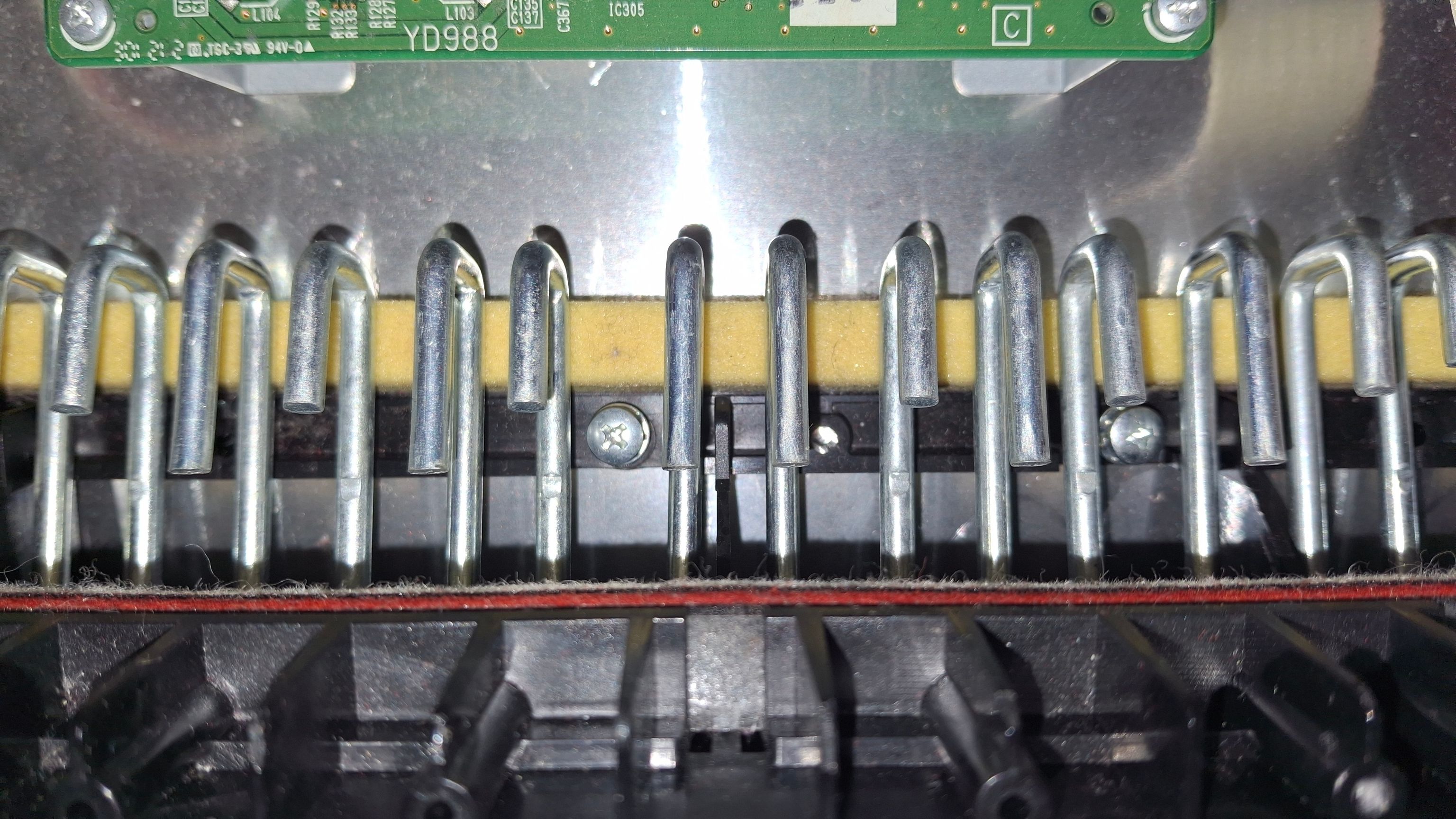
Then remove the screws from the bottom side of the piano, it’s the second row of screws.
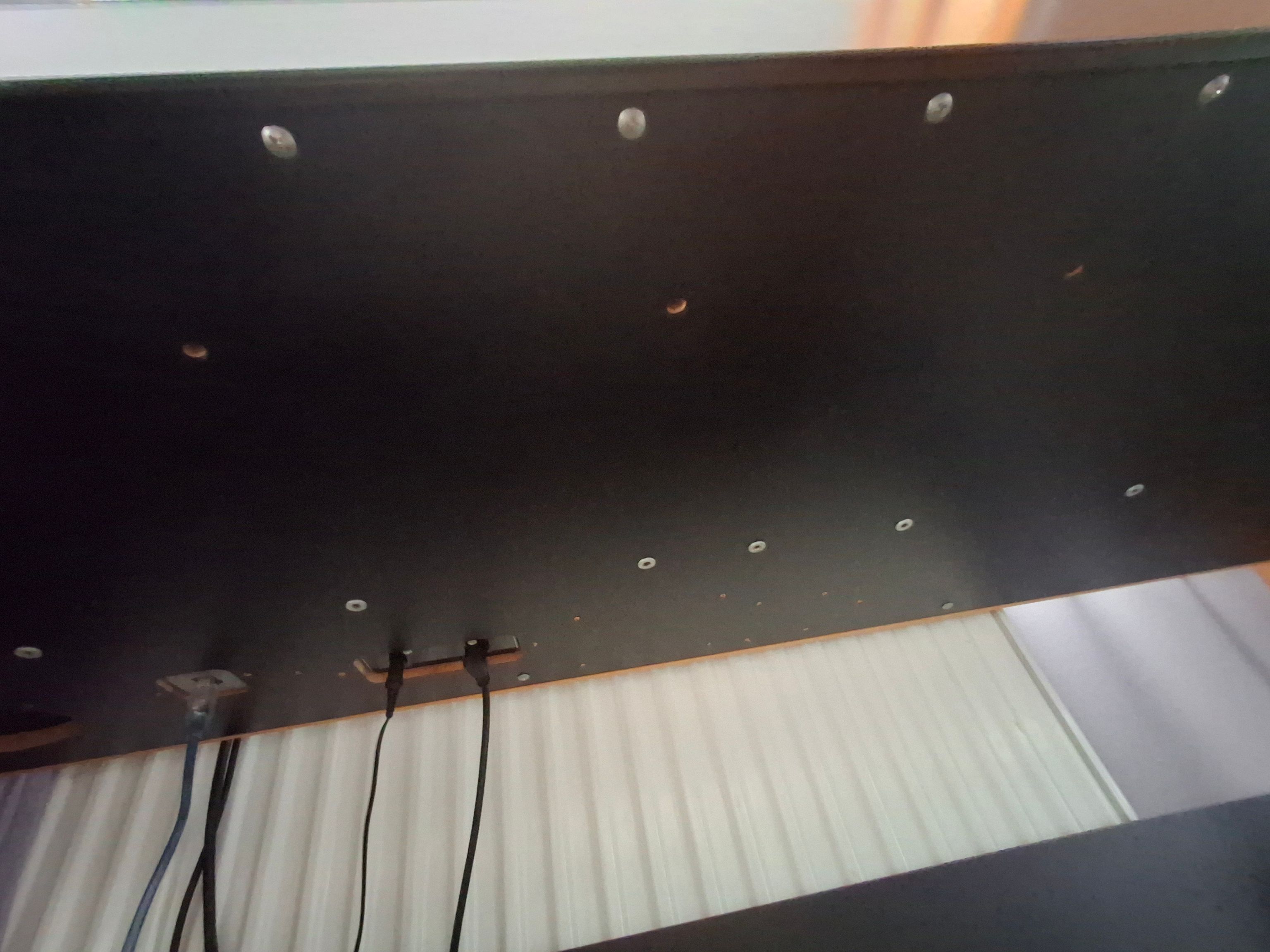
After those steps, you can move the keyboard toward yourself. This will make the space needed to take out the keys that are above the PCB and the membranes.
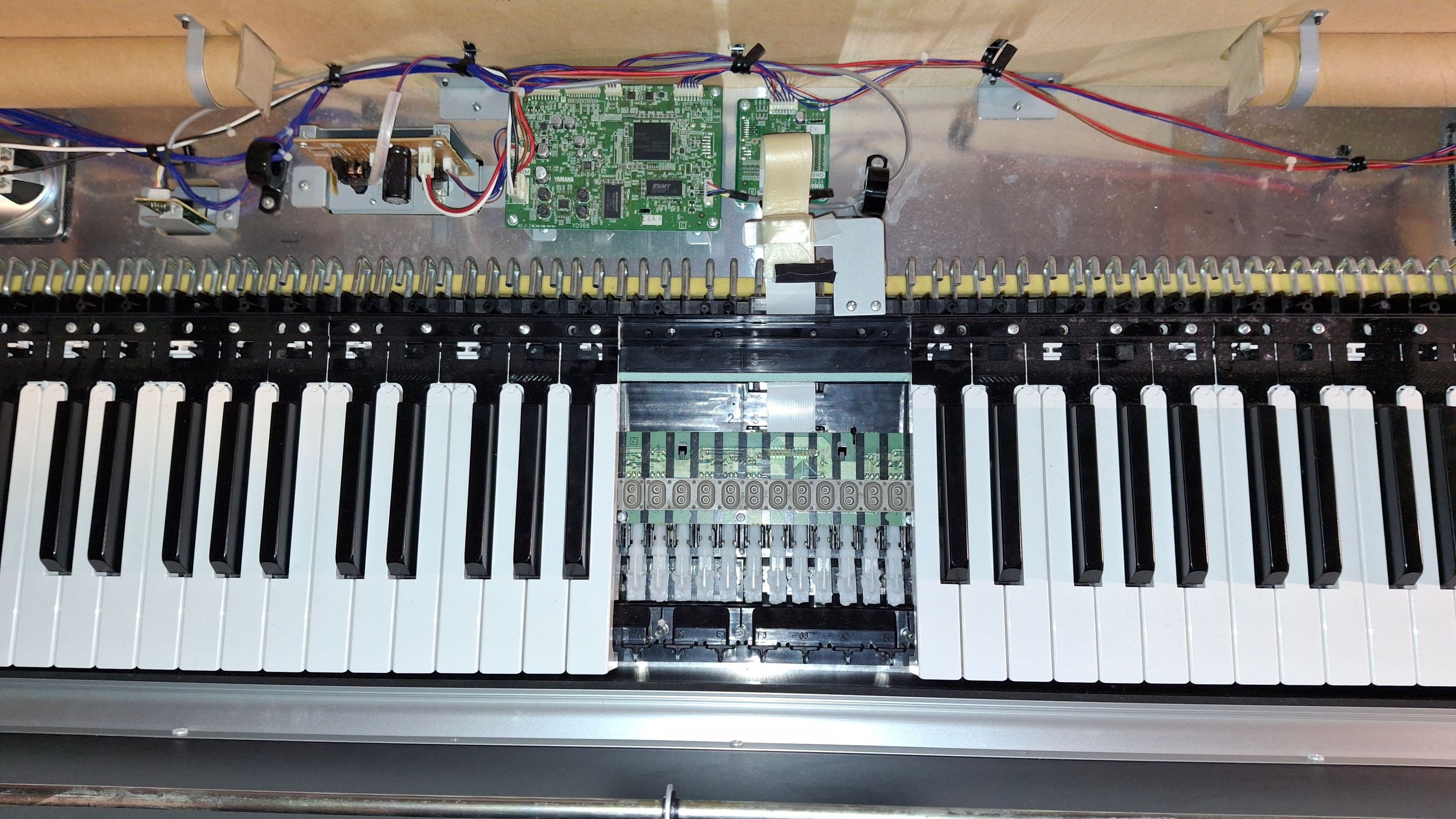
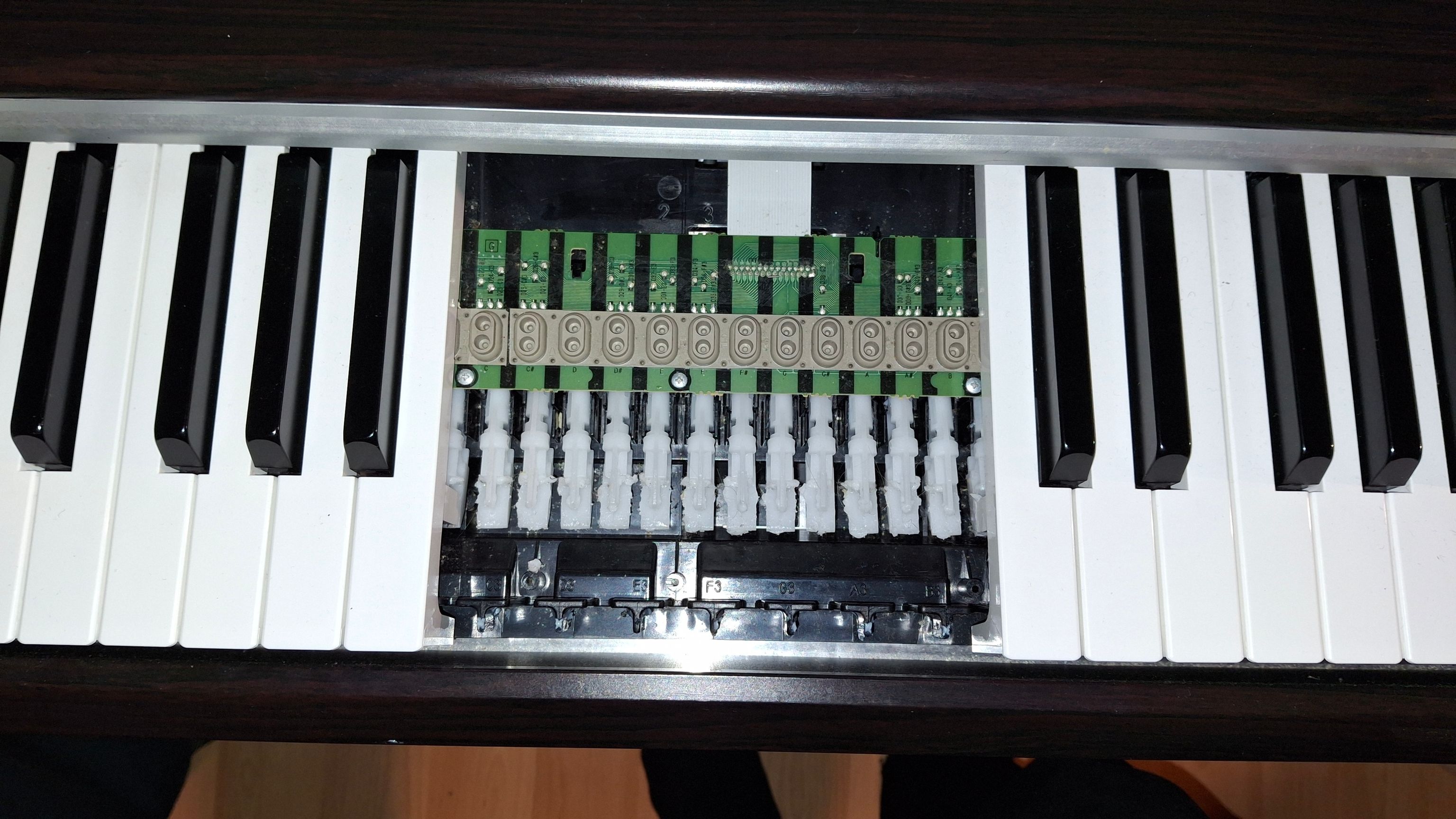
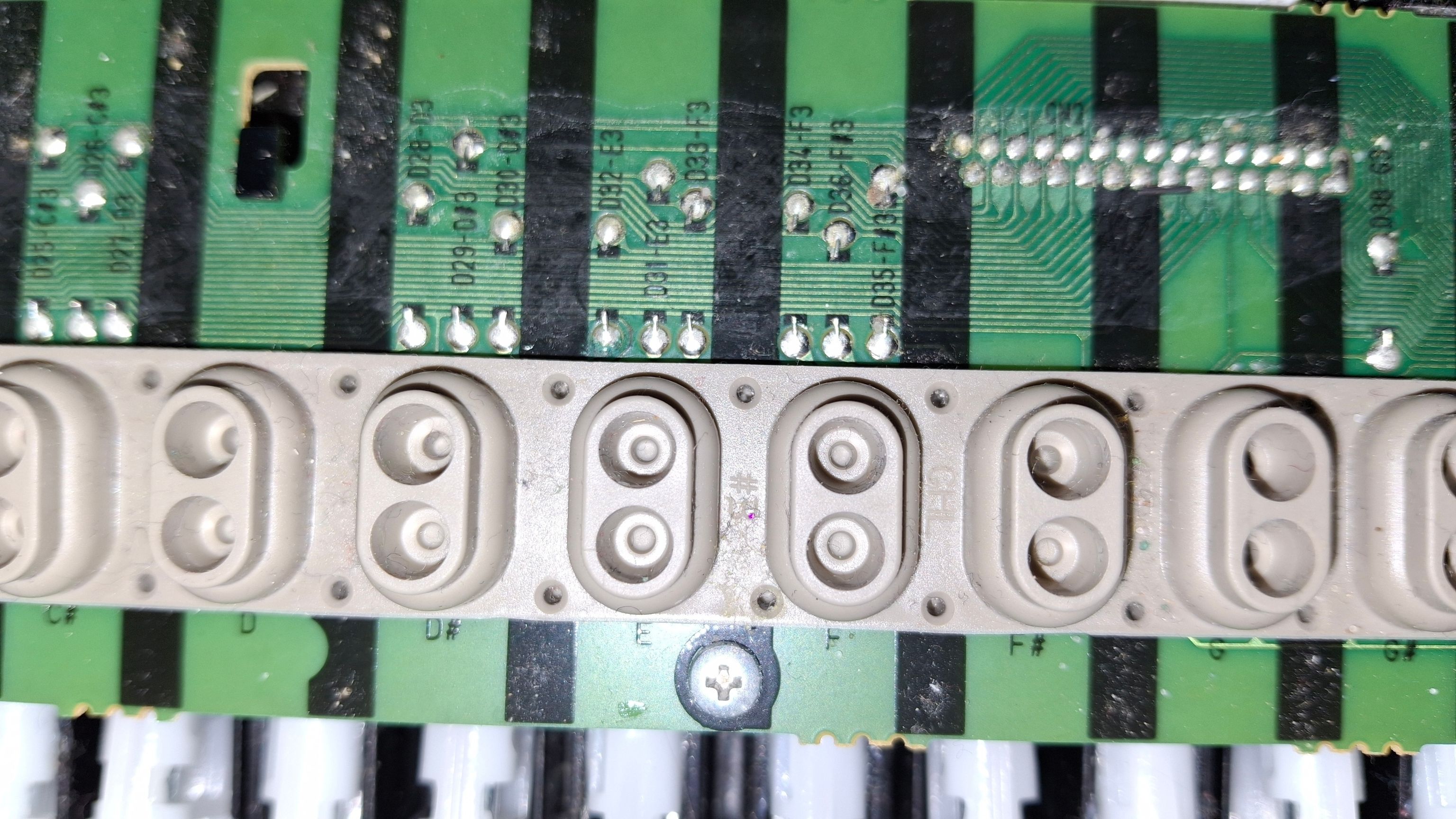
If you wish to inspect the contacts, gently remove the membrane from the start.
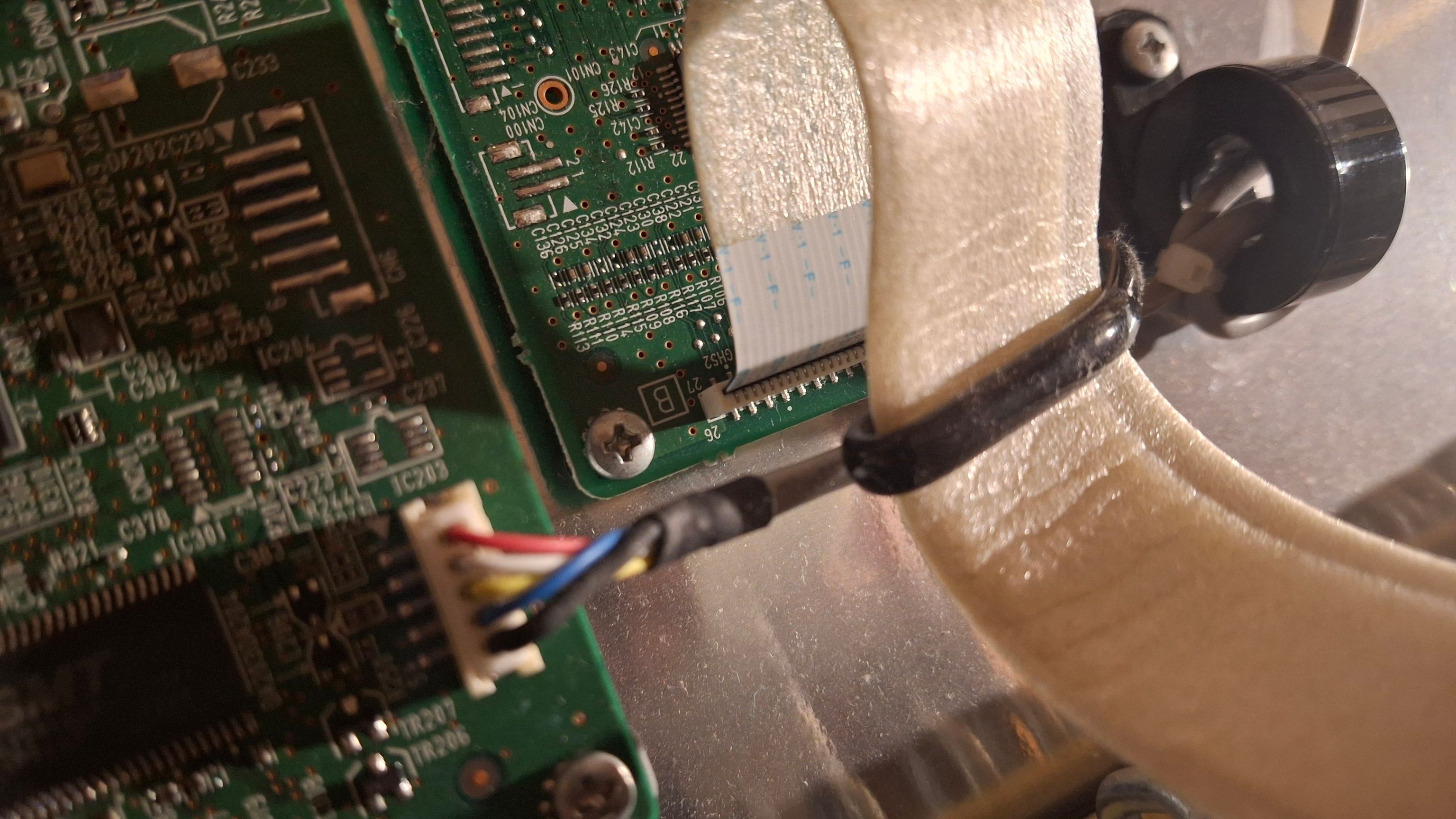
If you wish to remove the whole keyboard, don’t forget to disconnect the keyboard cable.
After I removed the keycaps, I cleaned the PCB and inspected all the contacts. I still don’t know why it stopped working. After some time, the key started working again.
Update
The key is sometimes still not working. I have already taken the piano apart a few times to inspect and clean the PCB again. After some time it fixes itself?! I don’t know what is happening, but it’s driving me insane…
There is also a possibility to buy a new section of the keys… I will see if I try that route.